Set up
Try a plugin
The Marketing plugin holds skills for content and campaign work as a starting point, describe the task and the relevant one runs. If your admin manages plugins and it's not available yet, skip this; nothing below requires it.
/draft-contentDraft blog posts, social media, email newsletters, landing pages, press releases, and case studies with channel-specific formatting and SEO recommendations./brand-reviewReview content against your brand voice, style guide, and messaging pillars./campaign-planGenerate a full campaign brief with objectives, audience, messaging, channel strategy, content calendar, and success metrics.Connect your tools
Claude Cowork is more powerful when it works directly with your systems. You control permissions and access. Learn about tool access(opens in new tab).
Navigate to Customize → Connectors in Cowork to set up.


Set your working folder
Drag the files you'll use (transcript, slides, attendee questions, your brand-voice guide) into one folder on your machine, then point Cowork at it. Cowork reads from it and writes the drafts back to it. If you'll do this after every webinar, create a Cowork project(opens in new tab) from the parent Webinars folder so instructions, memory, and scheduled runs stay attached.
The prompt
Copy this into Claude Cowork
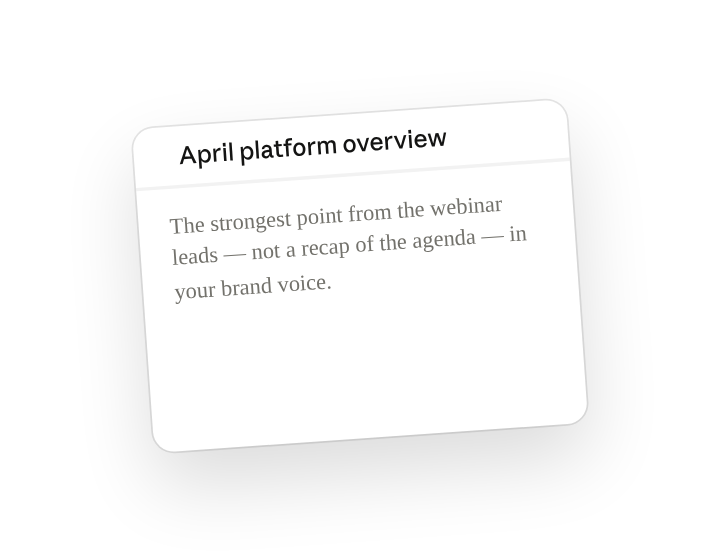
Draft a blog post, a LinkedIn thread, and three short social posts from this webinar. Match the voice of our recent HubSpot posts, and lead each piece with the strongest point from the talk rather than a recap of the agenda.
Why this works
Name each output format. "Blog post, LinkedIn thread, three social posts" tells the skill which channels to write for, the same insight becomes a 1,000-word article with H2s for the blog and a seven-part hook-first sequence for the thread.
Point to real examples for voice. The skill already knows generic marketing register; naming where your published posts live sends Cowork to read them through the connector and mirror their sentence length and structure.
Drafts save back to the same folder. Cowork reads the transcript and slides where they sit and writes each draft back as its own file alongside them, review locally, then publish from wherever you normally do.
Get a better draft
Add an example to match. Drop an example you like into the folder and Cowork matches your structure and voice.
Ask for options. Add "draft three versions with different angles" and pick the one that works best, or mix the best lines.
Make Cowork work for you
A plugin skill is a starting point — customize it with your own practices and expertise. A few minutes of conversation and it runs with your standards from then on.
Make what we've done in this task so far into a skill, or edit the /draft-content skill with my feedback.
Make it repeatable
Run it on a schedule
Webinars run on a calendar, and the repurposed drafts should land the morning after. Type /schedule in the prompt, or open Scheduled in the Cowork sidebar, and the customized skill runs against the newest transcript automatically.
/schedule Run /draft-content every Friday at 9am against the newest transcript in the Webinars folder, and write the blog, thread, and social drafts to that same folder.
Runs /draft-content against the newest transcript in Webinars and writes the blog, thread, and social drafts to the same folder.
Share with your teammates
Your customized /draft-content now carries your brand's word counts, structure, and voice references. Share it so every content writer starts from the same baseline, no one re-derives the house style.