Set up
Try a plugin
The Marketing plugin ships with /campaign-plan and other campaign-planning skills as a starting point, already structured around objective, audience, message, and metrics. If your admin manages plugins and it's not available yet, skip this; nothing below requires it.
/campaign-planGenerate a full campaign brief with objectives, audience, messaging, channel strategy, content calendar, and success metrics./draft-contentDraft blog posts, social media, email newsletters, landing pages, press releases, and case studies with channel-specific formatting and SEO recommendations.Connect your tools
Claude Cowork is more powerful when it works directly with your systems. You control permissions and access. Learn about tool access(opens in new tab).
Navigate to Customize → Connectors in Cowork to set up.


Set your working folder
Drag the files you'll use (the strategy notes, your brief template, the brand guidelines, last quarter's best brief) into one folder on your machine, then point Cowork at it. Cowork reads from it and writes the formatted brief and deck back to it. If you'll spin up campaigns regularly, create a Cowork project(opens in new tab) from the parent Campaigns folder so the template and brand voice stay attached.
The prompt
Copy this into Claude Cowork
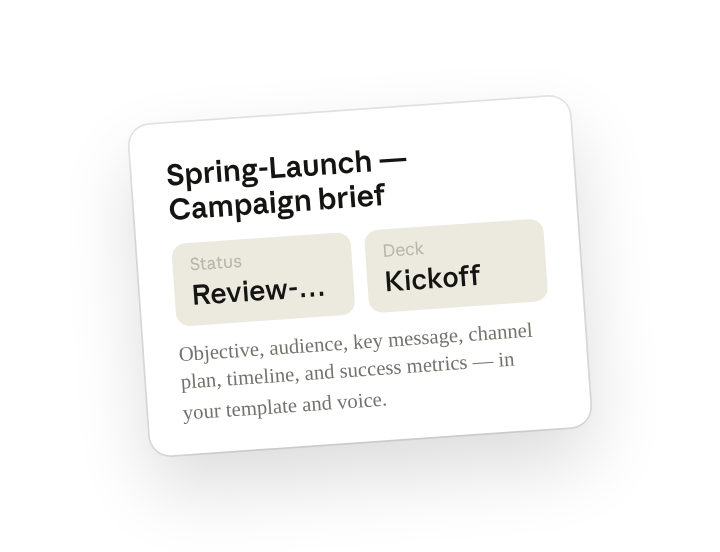
Turn the strategy notes into a formatted campaign brief: objective, audience, key message, channel plan, timeline, and success metrics. Then build a short deck from the brief to walk the team through at kickoff. Keep the voice consistent with our brand guidelines.
Why this works
Name the sections. Listing objective, audience, message, channels, timeline, and metrics up front means the brief follows your template, not a generic outline reviewers have to remap.
Ask for both deliverables at once. "Build a short deck from the brief" gets you the kickoff artifact in the same pass, so the brief and the slides tell exactly the same story.
Point to your style guide. "Consistent with our brand guidelines" points at the file in the folder, so headlines and copy come back sounding like you, not like a template.
Let the working folder supply context. Strategy notes, template, and brand guide sit in the working folder, so the brief and deck are written back next to the source and the campaign folder is complete from day one.
Get a better draft
Add an example to match. Drop an example you like into the folder and Cowork matches your structure and voice.
Ask for options. Add "draft three versions with different angles" and pick the one that works best, or mix the best lines.
Make Cowork work for you
A plugin skill is a starting point — customize it with your own practices and expertise. A few minutes of conversation and it runs with your standards from then on.
Make what we've done in this task so far into a skill, or edit the /campaign-plan skill with my feedback.
Make it repeatable
Run it on every new campaign
Strategy notes get dropped, the brief should already be drafting. Type /schedule in the prompt, or open Scheduled in the Cowork sidebar, and the customized skill runs every weekday morning against any new strategy-notes files in Campaigns.
/schedule Weekdays at 9 am, check Campaigns for new strategy-notes files and run /campaign-plan on each one, writing the brief and kickoff deck to a subfolder named for the campaign.
Checks Campaigns each weekday morning for new strategy-notes files, runs /campaign-plan on each, and writes the brief and deck to a campaign subfolder.
Share with your teammates
Your customized /campaign-plan now carries your template, your brand voice, and your metrics framework. Share it so every campaign owner starts from the same structure, and stakeholders see one consistent brief format no matter who runs the program.