Set up
Try a plugin
The Sales plugin ships with /call-prep and other deal-cycle skills as a starting point, already structured to read the opp, the transcripts, and the plan and write a sheet you can scan a minute before the call. If your admin manages plugins and it's not available yet, skip this; nothing below requires it.
Connect your tools
Claude Cowork is more powerful when it works directly with your systems. You control permissions and access. Learn about tool access(opens in new tab).
Navigate to Customize → Connectors in Cowork to set up.


Set your working folder
Drag the files you'll use (the mutual action plan, your own notes, the proposal) into one folder on your machine, then point Cowork at it. Cowork reads from it and writes the prep sheet back to it. If you prep calls regularly, create a Cowork project(opens in new tab) from that folder so your account context, instructions, and memory stay attached.
The prompt
Copy this into Claude Cowork
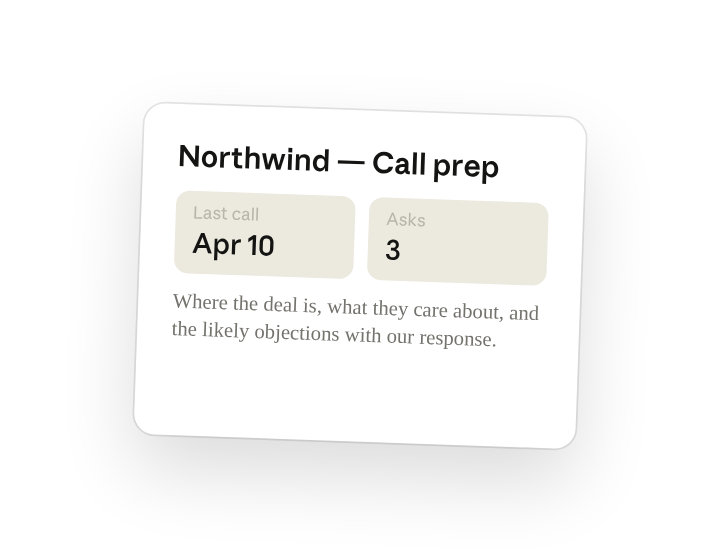
I'm meeting Northwind tomorrow. From the Salesforce record, the last three Gong transcripts, and the mutual action plan, write the prep sheet: where the deal is, what they care about, the two or three asks I should make on this call, and the likely objections with our response.
Why this works
Ask for what to do on the call. "Two or three asks I should make" turns the sheet from a recap into a plan, so you walk in knowing what you need to land before the call ends.
Pair objections with responses. "With our response" means each likely pushback comes with the line you'll use, drawn from what's already worked on the transcripts.
Give enough history to spot patterns. Naming the last three Gong calls gives Cowork enough history to spot what the buyer keeps returning to, which is where "what they care about" comes from.
Include the documents you maintain. The mutual action plan and your own notes sit in the working folder, so deal status is read from the document you actually maintain, not just the CRM stage field.
Get a better draft
Add an example to match. Drop an example you like into the folder and Cowork matches your structure and voice.
Ask it to flag uncertainty. Add "flag anything you're not confident about" so you know where to look first when you review the draft.
Make Cowork work for you
A plugin skill is a starting point — customize it with your own practices and expertise. A few minutes of conversation and it runs with your standards from then on.
Make what we've done in this task so far into a skill, or edit the /call-prep skill with my feedback.
Make it repeatable
Run it before every external call
Prep should be waiting before the meeting reminder fires. Type /schedule in the prompt, or open Scheduled in the Cowork sidebar, and the customized skill builds a sheet for every external call on your calendar each morning.
/schedule Every weekday at 7:30am, run /call-prep for each external meeting on today's calendar and write each sheet to the matching account's calls folder under Accounts.
Runs /call-prep for each external meeting on today's calendar and writes the sheet to the account's calls folder.
Share with your teammates
Your customized /call-prep now carries your discovery framework, your objection playbook, and your sheet format. Share it so every rep walks into calls with the same prep, and managers can read any sheet the same way.