Set up
Try a plugin
The Sales plugin ships with /account-research and other prospecting skills as a starting point, already structured to pull CRM history, public signals, and notes into a single page. If your admin manages plugins and it's not available yet, skip this; nothing below requires it.
Connect your tools
Claude Cowork is more powerful when it works directly with your systems. You control permissions and access. Learn about tool access(opens in new tab).
Navigate to Customize → Connectors in Cowork to set up.


Set your working folder
Drag the files you'll use (your last call notes, the saved 10-K, any internal account docs) into one folder on your machine, then point Cowork at it. Cowork reads from it and writes the finished brief back to it. If you research accounts regularly, create a Cowork project(opens in new tab) from that folder so your notes, instructions, and memory stay attached.
The prompt
Copy this into Claude Cowork
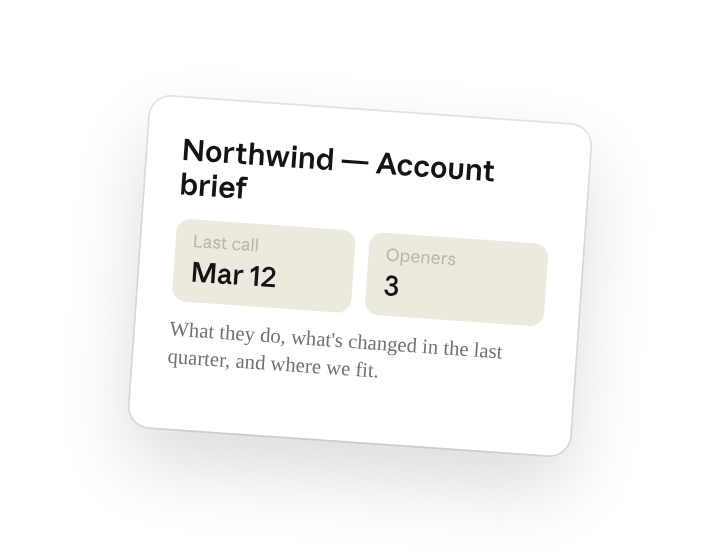
Build a one-page account brief on Northwind. Pull from Salesforce, recent news, the 10-K, their exec LinkedIn posts, and our last call notes. Cover what they do, what's changed in the last quarter, where we fit, and three openers for the first call. Save it to the account folder.
Why this works
List the sections you want. "What they do, what's changed, where we fit, three openers" gives Cowork the page structure up front, so the brief reads like yours instead of a generic company profile.
Set a time window. "In the last quarter" forces the research toward recent filings, hires, and news, so the openers tie to a live trigger rather than evergreen facts.
Combine internal and public sources. Naming Salesforce alongside the 10-K and LinkedIn means the brief opens with where you left off, then layers public signals on top, not the other way around.
Put your files in the working folder. Your last call notes and the saved 10-K sit in the working folder, so Cowork reads them in place and writes the brief back next to them.
Get a better draft
Add an example to match. Drop an example you like into the folder and Cowork matches your structure and voice.
Ask it to flag uncertainty. Add "flag anything you're not confident about" so you know where to look first when you review the draft.
Make Cowork work for you
A plugin skill is a starting point — customize it with your own practices and expertise. A few minutes of conversation and it runs with your standards from then on.
Make what we've done in this task so far into a skill, or edit the /account-research skill with my feedback.
Make it repeatable
Run it before every prospecting block
The brief should be waiting before you open the account, not built while the prospect is on hold. Type /schedule in the prompt, or open Scheduled in the Cowork sidebar, and the customized skill works through your target list ahead of each prospecting block.
/schedule Every Monday at 7am, run /account-research on the next five accounts in my target list and write each brief to the matching folder under Accounts.
Runs /account-research on the next five accounts in the target list and writes each brief to its account folder.
Share with your teammates
Your customized /account-research now carries your ICP, your section order, and your opener style. Share it so every rep on the team researches accounts the same way, and managers see a consistent brief no matter who built it.