Set up
Connect your tools
Claude is more powerful when it works directly with your systems. You control permissions and access. Learn about tool access(opens in new tab).
Add a connector(opens in new tab) for each tool you want Claude to use.


Set your working folder
Keep your retro template, the running action-items list, and last sprint's retro in one folder, then give Claude access to it(opens in new tab) in the Claude desktop app. Claude reads the format from there and writes both docs back so the retro and the handoff live next to their predecessors. Create a project(opens in new tab) from the folder so your team's definition of "shipped" and the discussion-prompt style carry over every cycle.
The prompt
Copy this into Claude
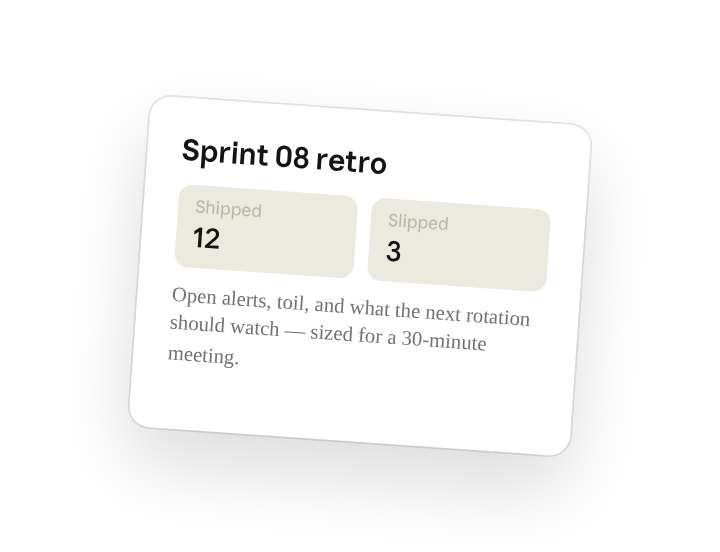
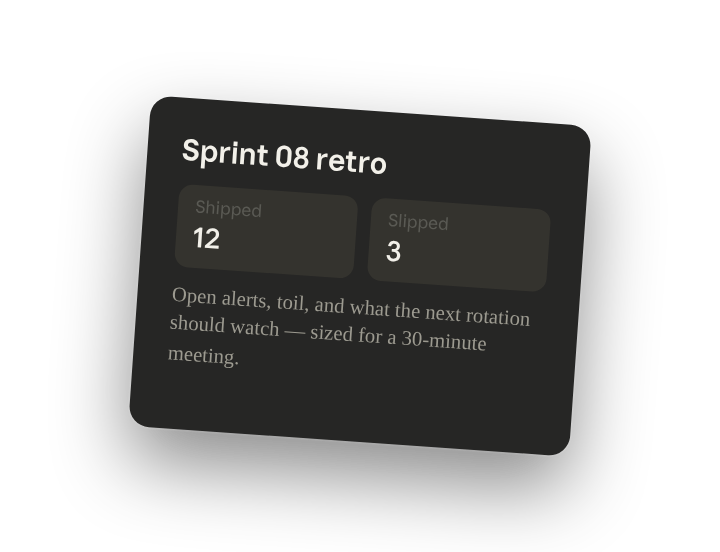
Read the just-closed Linear cycle and two weeks of #team-platform and #oncall-platform. Write the sprint retro (shipped, slipped with reasons, themes worth discussing) and a separate on-call handoff (open alerts, toil, what the next rotation should watch). Pull quotes where they help. Keep each section to what's discussable in a 30-minute meeting.
Why this works
Ask for the reason behind each item. The retro is about why, not the list. Asking forces the synthesis.
Split outputs that serve different purposes. One is a conversation, one is operational. Mixing them buries both.
Set a length limit. A length budget kills the exhaustive list and surfaces what's worth talking about.
Combine complementary sources. Tickets say what moved; Slack says why. The pair is the whole story.
Get a better draft
Add an example to match. Drop an example you like into the folder and Claude matches your structure and voice.
Ask it to flag uncertainty. Add "flag anything you're not confident about" so you know where to look first when you review the draft.
Make Claude work for you
Tell Claude your own rules for this task, such as your retro template and what counts as a theme versus a status update, then save what you've done as a skill of your own. A few minutes of conversation and it runs with your standards from then on.
Make what we've done in this task so far into a skill called /sprint-retro.
Review the skill, and save it if Claude hasn't already.
Make it repeatable
Run it when the cycle closes
Retro prep shouldn't be your Friday afternoon. Ask Claude to set up a scheduled task, or open Scheduled in the sidebar, and /sprint-retro drafts both docs the week the cycle closes.
Set up a scheduled task for every Friday at 3pm: if a cycle closed this week, run /sprint-retro on it and the last two weeks of channel history, write the retro and the handoff to Platform/retros/<sprint>/, and draft the handoff post to #oncall-platform for me to approve.
If a cycle closed this week, runs /sprint-retro, writes the retro and the handoff to the dated retro folder, and drafts the handoff post to the on-call channel for you to approve.
To use a folder on your computer during a scheduled task, keep your computer on and awake with the Claude desktop app open so Claude can access it.
Share with your teammates
Your /sprint-retro skill now knows your tracker, your channels, your template, and what counts as a theme versus a status update. Share it so every squad runs the same retro prep and on-call handoffs read the same way org-wide.