Set up
Try a plugin
The Product Management plugin ships with /stakeholder-update and other release skills as a starting point, already structured to build a checklist, assign status, and make the go/no-go call. If your admin manages plugins and it's not available yet, skip this; nothing below requires it.
Connect your tools
Claude Cowork is more powerful when it works directly with your systems. You control permissions and access. Learn about tool access(opens in new tab).
Navigate to Customize → Connectors in Cowork to set up.


Set your working folder
Drag the files you'll use (the PRD, the GTM brief, the launch checklist template, the retro from your last two launches) into one folder on your machine, then point Cowork at it. Cowork reads from it and writes the readiness checklist back to it. If you run launches regularly, create a Cowork project(opens in new tab) from that folder so your checklist template, prior retros, and memory stay attached.
The prompt
Copy this into Claude Cowork
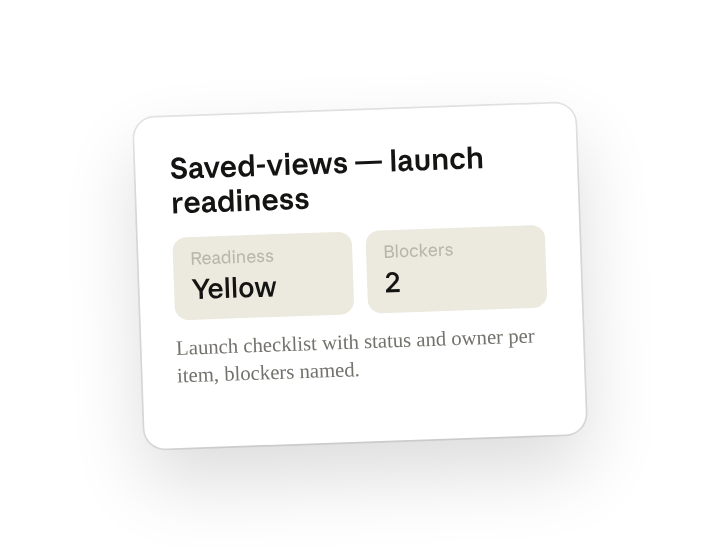
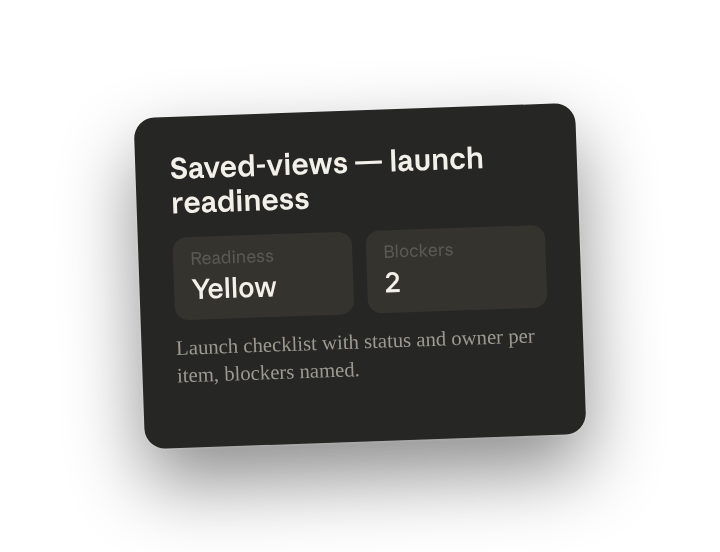
Sweep launch readiness for the saved-views launch. Produce the launch checklist with status and owner per item, give a red/yellow/green readiness call overall, name the blockers, and note anything that matches what went well or wrong in our last two launches.
Why this works
Give it every source at once. PRD, epic, Slack, and GTM brief each hold a different slice of the truth; sweeping them at once is what catches the item that's "done" in Linear but still being argued in the channel.
Ask for an owner on every line. A checklist with a name on every line is actionable in launch standup; a checklist without owners is a wish list.
Ask for a verdict with reasons. Asking for an overall red/yellow/green forces a judgment, and "name the specific blockers" means yellow comes with the two things that have to clear, not a vibe.
Compare against your own history. Pointing Claude at your past retros lets it check this launch against what's gone wrong before. Otherwise it's evaluating in isolation.
Get a better draft
Add an example to match. Drop an example you like into the folder and Cowork matches your structure and voice.
Ask it to flag uncertainty. Add "flag anything you're not confident about" so you know where to look first when you review the draft.
Make Cowork work for you
A plugin skill is a starting point — customize it with your own practices and expertise. A few minutes of conversation and it runs with your standards from then on.
Make what we've done in this task so far into a skill, or edit the /stakeholder-update skill with my feedback.
Make it repeatable
Run it daily during launch week
Readiness changes by the hour in the final stretch. Type /schedule in the prompt, or open Scheduled in the Cowork sidebar, and the customized skill posts a fresh checklist every morning of launch week so standup opens with the current picture.
/schedule Every weekday at 8am from May 4 through May 8, run /stakeholder-update for the saved-views launch and write the checklist to Launches/saved-views as readiness-<date>.md, with a one-line color change vs yesterday.
Runs /stakeholder-update against the PRD, Linear epic, Slack channel, and GTM brief and writes the dated checklist with the overall color to the launch folder.
Share with your teammates
Your customized /stakeholder-update now carries your checklist template, your owners, and your color criteria. Share it so every launch lead runs the same sweep, and the go/no-go meeting reads one consistent format no matter which feature is shipping.