Set up
Connect your tools
Claude is more powerful when it works directly with your systems. You control permissions and access. Learn about tool access(opens in new tab).
Add a connector(opens in new tab) for each tool you want Claude to use.


Set your working folder
Drag the files you'll use (the driver model, last quarter's assumptions memo, the headcount plan) into one folder on your machine, then give Claude access to it(opens in new tab) in the Claude desktop app. Claude reads from it and writes the extended model, scenario tabs, and memo back to it. If you'll re-forecast every month, create a project(opens in new tab) from that folder so the model, memory, and scheduled runs stay attached.
The prompt
Copy this into Claude
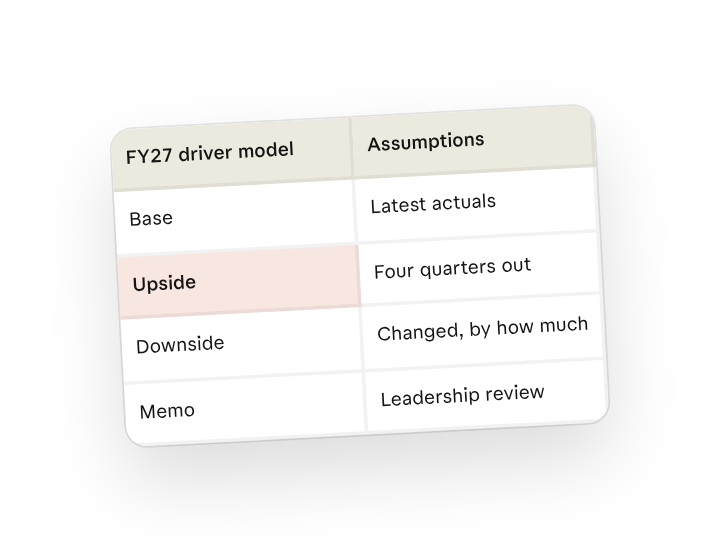
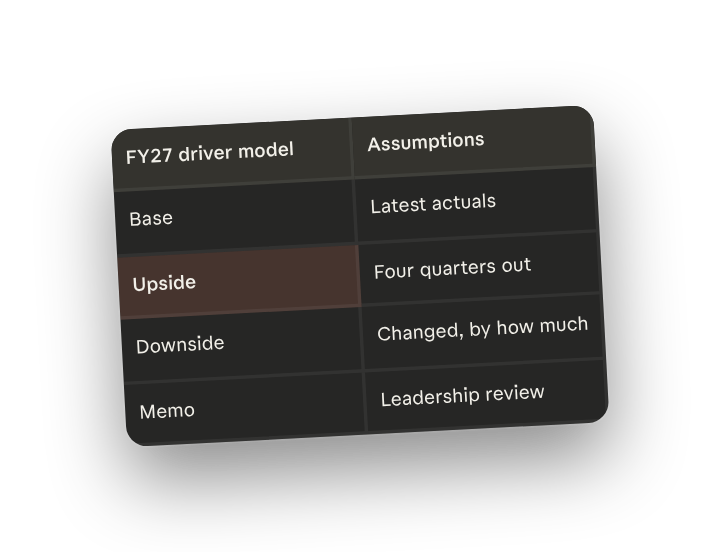
Pull the latest actuals into the driver model, extend it through the next four quarters, and run base, upside, and downside scenarios. For each scenario list the assumptions you changed and by how much, then write a one-page memo explaining what drives the difference between them in plain English for the leadership review.
Why this works
Start from the source data. "Pull the latest actuals into the driver model" rebases the forecast on what just closed, so every scenario starts from the same true-up and the planning cycle isn't waiting on a manual roll-forward.
Name the scenarios. Calling for base, upside, and downside in one run keeps the three cases on the same driver tree, so the only thing that differs is the assumptions you can defend.
Ask it to list its assumptions. "List the assumptions you changed and by how much" produces the audit trail leadership asks for first; the memo explains the why, the log shows the what.
Keep source files in the working folder. The driver model and prior memo sit in the working folder (or a connected spreadsheet), so the new periods and scenario tabs write back as working formulas next to the original.
Get a better draft
Add an example to match. Drop an example you like into the folder and Claude matches your structure and voice.
Ask it to flag uncertainty. Add "flag anything you're not confident about" so you know where to look first when you review the draft.
Make Claude work for you
Tell Claude your own rules for this task, such as your scenario sensitivities and your memo format, then save what you've done as a skill of your own. A few minutes of conversation and it runs with your standards from then on.
Make what we've done in this task so far into a skill called /forecast-scenarios.
Review the skill, and save it if Claude hasn't already.
Make it repeatable
Run it on a schedule
The re-forecast is due every month after actuals close, so schedule a weekly check for the new close. Ask Claude to set up a scheduled task, or open Scheduled in the sidebar, and /forecast-scenarios rebases on the latest actuals and refreshes all three scenarios automatically.
Set up a scheduled task for every Monday at 9am: if new actuals have closed, run /forecast-scenarios against them, write the updated model and scenarios to Planning / FY-forecast, and save the assumptions memo alongside.
Runs /forecast-scenarios when new actuals have closed and writes the refreshed model, three scenarios, and assumptions memo to Planning / FY-forecast.
To use a folder on your computer during a scheduled task, keep your computer on and awake with the Claude desktop app open so Claude can access it.
Share with your teammates
Your /forecast-scenarios skill now carries your driver tree, your scenario sensitivities, and your memo format. Share it so every FP&A partner runs the same model the same way, and leadership sees one consistent set of scenarios no matter who owns the number.