1. Set up
Try a plugin
The Sales plugin ships with /pipeline-review and other customer success skills as a starting point, already structured to weigh usage, tickets, and sentiment into one call. If your admin manages plugins and it's not available yet, skip this; nothing below requires it.
Connect your tools
Claude Cowork is more powerful when it works directly with your systems. You control permissions and access. Learn about tool access(opens in new tab).
Navigate to Customize → Connectors in Cowork to set up.


Set your working folder
Drag the files you'll use (the usage export, the success plan, the latest NPS responses) into one folder on your machine, then point Cowork at it. Cowork reads from it and writes the health summary back to it. If you track this account ongoing, create a Cowork project(opens in new tab) from that folder so your health criteria, instructions, and memory stay attached.
2. The prompt
Copy this into Claude Cowork
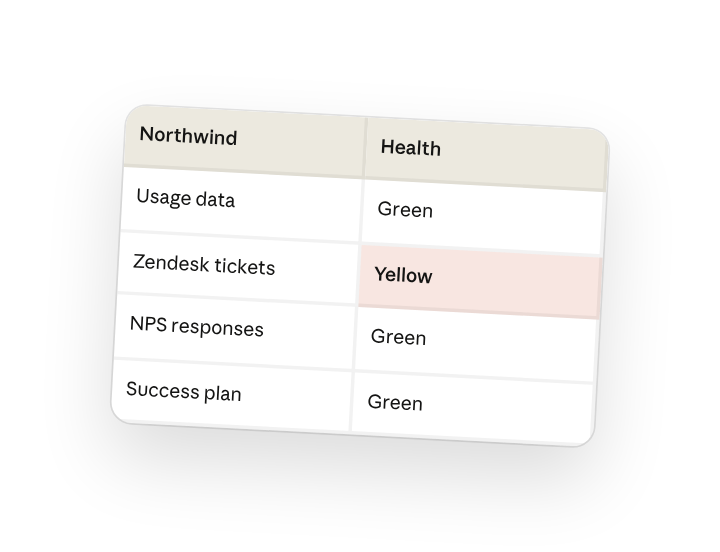
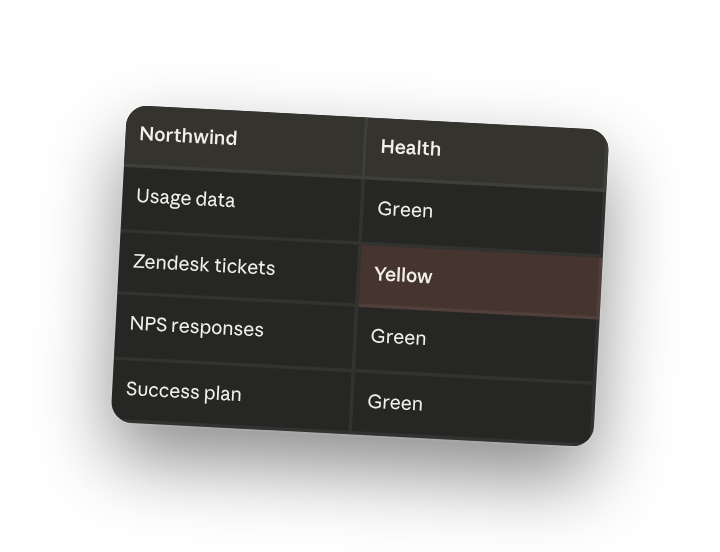
From the usage data, open Zendesk tickets, NPS responses, and success plan for Northwind, write the account health summary to the account folder: call it red, yellow, or green with the reason in one or two sentences, then the two actions to take this week.
Why this works
Give a fixed set of answers. "Red, yellow, or green" makes Cowork commit to one status instead of hedging, and "with the reason" means the call is defensible when leadership asks.
Say how many items you want. "Two actions I should take this week" keeps the output to what you'll actually do before Friday, not a backlog of everything that could help.
Name the sources to weigh together. Naming usage, tickets, NPS, and the success plan together means health is weighed across product, support, sentiment, and goals, not just whichever dashboard you checked last.
Include the goals to measure against. The success plan and usage export sit in the working folder, so the health call is measured against the goals you actually agreed with the customer.
Get a better draft
Add an example to match. Drop an example you like into the folder and Cowork matches your structure and voice.
Ask it to flag uncertainty. Add "flag anything you're not confident about" so you know where to look first when you review the draft.
3. Make Cowork work for you
A plugin skill is a starting point — customize it with your own practices and expertise. A few minutes of conversation and it runs with your standards from then on.
Make what we've done in this task so far into a skill, or edit the /pipeline-review skill with my feedback.
4. Make it repeatable
Run it across your book every week
Health should be tracked, not checked when something breaks. Type /schedule in the prompt, or open Scheduled in the Cowork sidebar, and the customized skill writes a fresh summary for every account in your book each week.
/schedule Every Monday at 7am, run /pipeline-review for each account in my book and write the summary to the matching health folder under Accounts. Roll up anything red into one digest at the top.
Runs /pipeline-review for every account in your book and writes the summary
to its health folder, with red accounts rolled up into one digest.
5. Share with your teammates
Your customized /pipeline-review now carries your usage thresholds, your risk rules, and your summary format. Share it so every CSM scores health the same way, and the red/yellow/green means the same thing across the whole book.