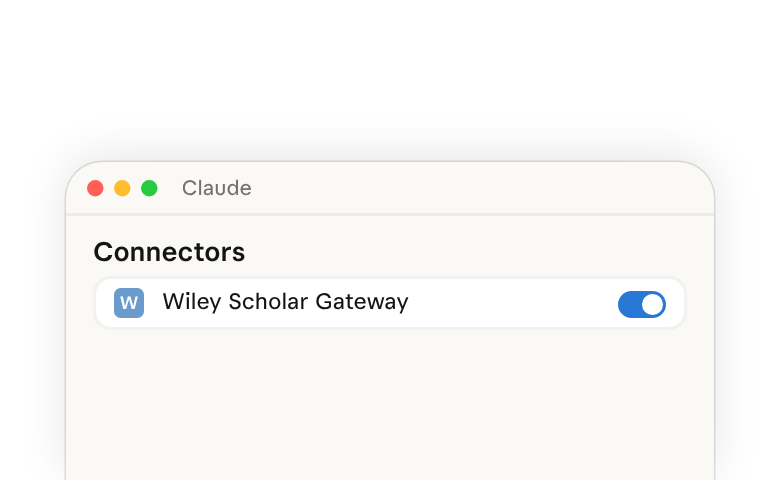
The Scholar Gateway by Wiley integration provides authenticated access to the most relevant snippets of scientific research papers to utilize within Claude. This article explains how to set up and use the Scholar Gateway integration with Claude to accelerate your research workflows.
The Scholar Gateway integration relies upon Claude's ability to use remote connectors(opens in new tab).
What this integration provides
Millions of articles from more than 2,000 Wiley journals are available through Scholar Gateway.
Coverage spans the physical sciences, life and health sciences, social sciences, and humanities.
Scholar Gateway enables AI responses grounded in peer-reviewed sources with verifiable citations and DOI links. It covers Wiley content only.
Instead of relying on general AI knowledge, Scholar Gateway searches current literature from Wiley journals to deliver evidence-backed answers with complete source metadata.
This enables you to verify that claims are backed with sourced research — ensuring your AI-assisted research meets professional research standards.
Who can access the Scholar Gateway integration
- You can start on Wiley's free plan, which has a monthly query limit. A paid individual plan allows more queries.
- If your institution subscribes to Wiley Scholar Gateway, researchers and students can use it with an institutional email address.
- Opening an article's full text may depend on your own or your institution's subscriptions.
More details on plans can be found in Wiley’s pricing and plans(opens in new tab).
Setting up the Scholar Gateway integration
For Organization Owners (Team and Enterprise)
- Navigate to Organization settings > Connectors(opens in new tab)
- Use the Add button to browse all available connectors, then find Wiley Scholar Gateway and add it for your team
For Individual Claude Users
- Open Wiley Scholar Gateway in the connectors directory(opens in new tab)
- Connect it to Claude
- Follow the instructions to authenticate with your Wiley account
Learn about finding and connecting tools(opens in new tab).
For Claude Code Users
- Connect Wiley Scholar Gateway in Claude by following the steps above
- Sign in to Claude Code with the same Claude account (run
/loginto switch accounts), then restart Claude Code - Run
/mcpand check that the connector appears in the claude.ai section of the list (if it isn't shown, select Show unused connectors at the end of that section)
Learn about using connectors from Claude in Claude Code(opens in new tab).
More details on the Scholar Gateway integration can be found in Wiley’s documentation(opens in new tab).
Common use cases
- Enhanced literature review when planning experiments and research plans, to efficiently identify, summarize, and evaluate relevant literature as individual articles or in aggregation, enabling new ways of doing research and delivering reliable and cited insights in seconds.
- Information on latest research in a certain field of medicine or pharmaceuticals.