Running a small business means working across a lot of tools — your books, your payments, your CRM, your inbox. The answers you need usually live across all of them.
With the Claude for Small Business(opens in new tab) plugin installed and set up in Claude Cowork(opens in new tab), a short prompt can help run a multi-step workflow for your business.
Below are three examples: what each prompt runs, what Claude does at each step, and what you have when it's done.
- Get a pulse on your businessOne Monday-morning page that covers what you'd otherwise check across four browser tabs.
- Close the month with fewer errorsReconcile your books against your settlements and hand your accountant a packet that's already done.
- Plan payroll with confidenceSee whether payroll is covered, then chase what's owed — with reminders calibrated to how each customer pays.
Get a pulse on your business
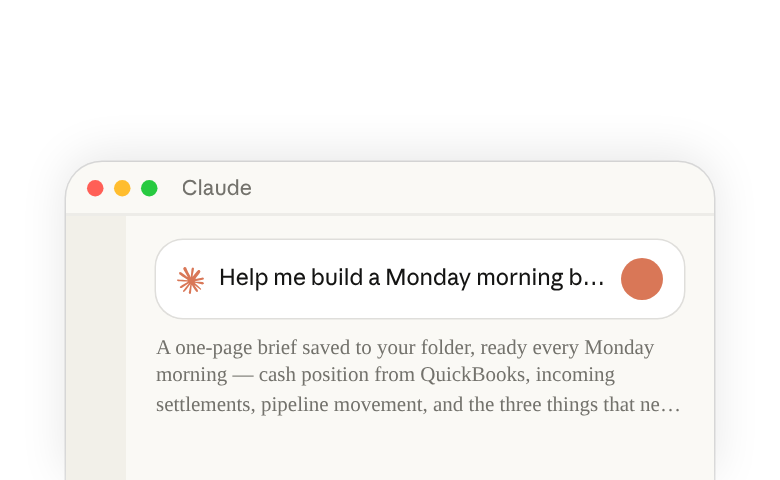
Help me build a Monday morning brief every week in Slack. Pull my cash position from QuickBooks, incoming settlements from PayPal, pipeline movement from HubSpot, and what's on my calendar this week. Tell me the three things that need my attention today.
Close the month with fewer errors
Close out March for me. Reconcile my QuickBooks transactions against PayPal settlements, flag anything that doesn't match, and write the P&L narrative as a document I can send straight to my accountant.
Plan payroll with confidence
Get me ready for payroll on the 15th. Pull my cash position from QuickBooks, my incoming PayPal settlements, and any overdue invoices. Show me whether the next 30 days covers payroll, then draft a reminder for each overdue customer matched to how they've paid before. Show me the drafts before anything sends.
Things to note
- You approve before anything sends, posts, or pays — skills draft, propose, and stage. Nothing goes out until you say so.
- The big decisions stay with you — Claude prepares the work and shows you what it found, but the calls that matter — what to charge, what to sign, what to send your accountant — are yours and your professionals' to make.
- The skills update when you correct them — tell
/invoice-chaseyou chase at 15 days, tell/monday-briefwhat to lead with, and the change is saved for the next run. The pattern is in How to customize plugins in Cowork(opens in new tab). - Your existing permissions hold — Claude reads what your account in each tool can read. It can't see data you don't already have access to.
- Anthropic doesn't train Claude on your business data — the full policy is in the Trust Center(opens in new tab).
Learn more
- Introducing Claude for Small Business(opens in new tab) — the launch announcement
- How to install and use the Claude for Small Business plugin(opens in new tab) — install the plugin, browse what's in it, and run your first task
- How to customize plugins in Cowork(opens in new tab) — make the skills run from your context
- What are skills(opens in new tab) — how skills work in Claude
- AI Fluency for Small Business(opens in new tab) — a free course on running a small business with AI