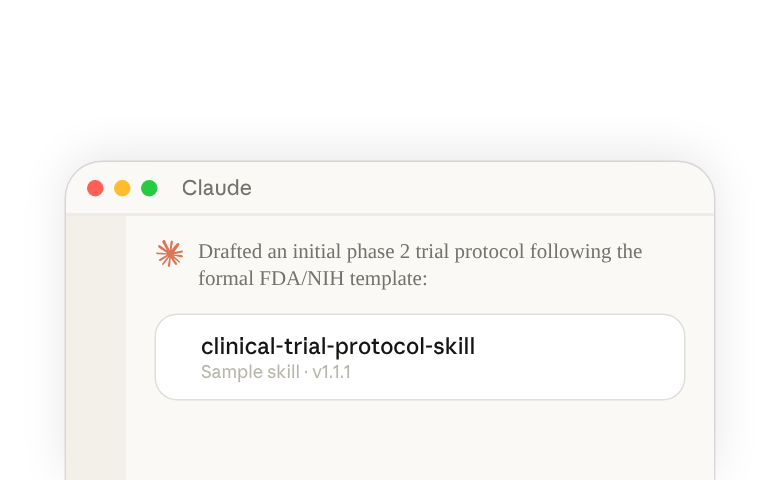
What is the Clinical Trial Protocol Draft Generation demo skill?
The Clinical Trial Protocol Draft Generation demo skill digests initial documentation about a new medical device or investigational drug, and follows regulatory guidelines to generate an initial phase 2 or 3 trial protocol draft. It does this by:
- Searching for relevant FDA guidances to determine classification & pathway
- Reviews OpenFDA and ClinicalTrials.gov for predicate devices and similar trials
- Uses a statistically significant sample size calculator to the determine treatment arm
- Drafts an initial full protocol following the formal FDA/NIH template for IND & IDE protocols
This is a sample skill that gives you a starting point to customize for your own use cases. Be sure to review the README.md(opens in new tab) file before using the skill.
Who should use the Clinical Trial Protocol Draft Generation demo skill?
This skill is designed for regulatory affairs professionals at pharmaceutical and medical device companies who need to draft clinical trial protocols and determine their regulatory pathway without writing code from scratch.
How to access the skill in Claude.ai(opens in new tab)
For Organization Owners (Team and Enterprise)
- Download the ZIP file for
clinical-trial-protocol-skill(opens in new tab) - Review the sample skill thoroughly and make edits and adjustments to fit your organization’s workflows
- Open Organization settings(opens in new tab), search for “Skills” and click the first result. Make sure the switches for skills and code execution are both turned on.
- Open your organization’s skills and plugins(opens in new tab), select the add button at the top, and upload the skill zip file
Learn about provisioning and managing skills for your organization(opens in new tab)
For Individual Claude Users
- Download the ZIP file for
clinical-trial-protocol-skill(opens in new tab) - Review the sample skill thoroughly and make edits and adjustments to fit your workflow
- Open skills in Claude(opens in new tab) and select Add. If you don’t see skills or Add, search Settings for “Code execution” and make sure it’s on (on a Team or Enterprise plan, contact your team admin).
- Choose the upload option, then select the skill zip file
How to access the skill in Claude Code
Command
/plugin marketplace add anthropics/life-sciences/plugin install clinical-trial-protocol@life-sciences